
Explore key product features, shipping information and support details.
COMPATIBILIDADE
【Conexão BT5.3 sem fio】
Plataformas de suporte: PS5, PC
Controladores de suporte: PS5 DualSense, DualShock4, QRD Spark N5, QRD Maestro S3
CARACTERÍSTICAS
【Função nativa do PS4/PS5】
Suporta perfeitamente controles PS4 e PS5 para uma experiência nativa plug-and-play, eliminando a necessidade de configurações adicionais e garantindo que você possa aproveitar facilmente uma variedade de jogos.
【Mapeamento de botões】
Mapeamento de botões personalizado com instruções detalhadas, permitindo que você configure a melhor configuração de controle para sua jogabilidade, aprimorando sua experiência geral de jogo.
【Função Turbo】
Funcionalidade Turbo para todos os principais botões com 3 configurações de velocidade, permitindo ações rápidas e precisas para melhorar a eficiência do jogo.
【Função Macro Programável】
Grave e salve sequências complexas de botões para combos de um único toque e manobras avançadas, completas com instruções de programação detalhadas para lhe dar uma vantagem em suas sessões de jogo.
LIMITED-TIME DEAL
00:00:00:00
CURRENT DEAL
5% UNLOCKED
⚡5% OFF unlocked with this product.
1
ITEMS SELECTED
BUY 1+
SAVE 10% OFF
BUY 2+
SAVE 15% OFF
BUY 3+
SAVE 18% OFF
LOCKED
STARTER SAVINGS
10%OFF
1 ITEM✓
LOCKED
LEVEL UP
15%OFF
2 ITEMS↑
LOCKED
MAX SAVINGS
18%OFF
3+ ITEMS★
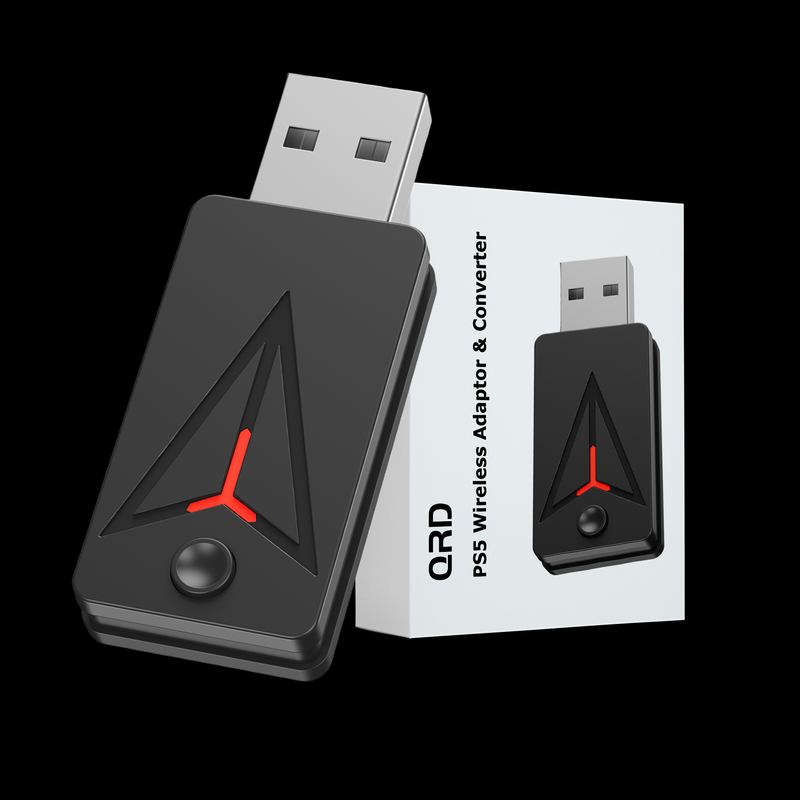
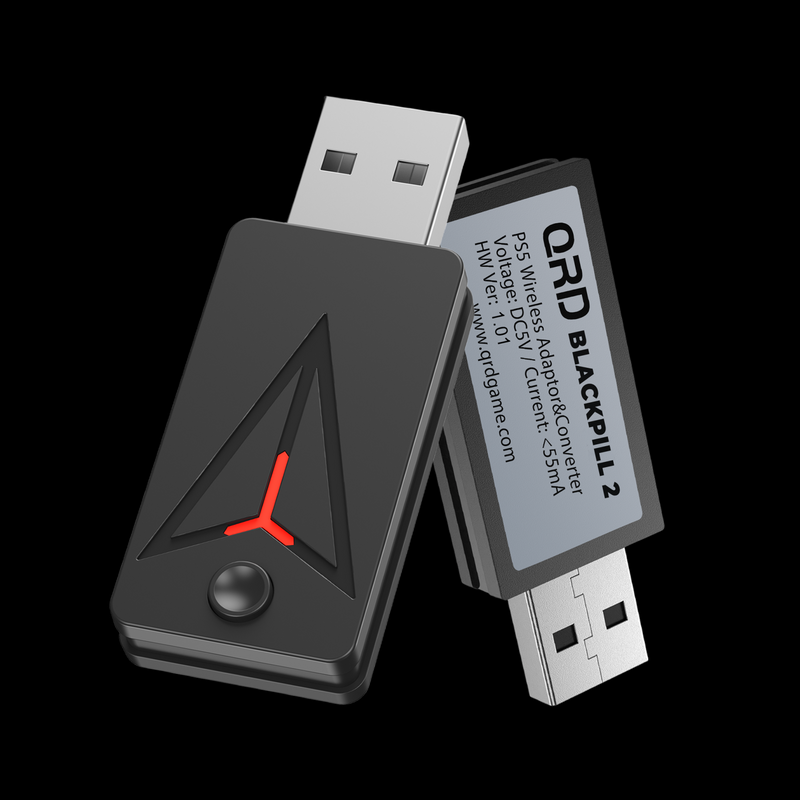
Adaptador e conversor sem fio QRD BLACKPILL PS5
TECHNICAL SPECIFICATIONS
Specifications
Everything you need to know about the hardware, connectivity and physical specifications.
Compatibility
🎮
Controller
N7/N5/S3/ PS5/PS4 Controller / XBOX One S/ Series / Elite2 Controller / Switch Pro Controller
📡
Platform
PS5 / PC
Function
⚙️
Additional Features
Button Mapping
Turbo Function
Programmable Macro Function
Technical Specifications
Product Specs & Support
Review the core hardware specifications and access setup guides, troubleshooting support and firmware resources for this QRD gaming device.
Product Support Center
Find setup instructions, connection help and firmware resources for a better gaming experience.
User ManualView setup instructions, button functions and connection modes.→
TroubleshootingFix connection, calibration, input delay or compatibility issues.→
Firmware UpdateDownload the latest firmware and update guide for your device.→
ADDITIONAL FEATURES
Button Mapping
Customize button mappings for optimal game control configuration.
Turbo Function
Turbo functionality for all major buttons with 3 speed settings to enhance gameplay efficiency.
Programmable Macro Function
Record and save complex button sequences for single-press combos and advanced maneuvers.
Subheading
Heading
PS5 Setting
On PS5: System Setting -> Accessories -> Controller(General) -> Communication Method -> Use USB Cable
Insert the converter
① Plug in the converter on one of the empty USB ports on PS5 console or PC.
Enter the Bluetooth mode
② While The controller to be connected is turned off, press and hold PS and SHARE buttons on the controller.
Enter the pairing mode
③ Press and hold the “PAIR” button for 3-5 seconds.